01
Private by design
Start a conversation without exchanging your personal phone number or email.
YOUR CONVERSATIONS. YOUR RULES.
A username is all it takes to connect. Message, call, and find your people — without sharing your phone number or email.
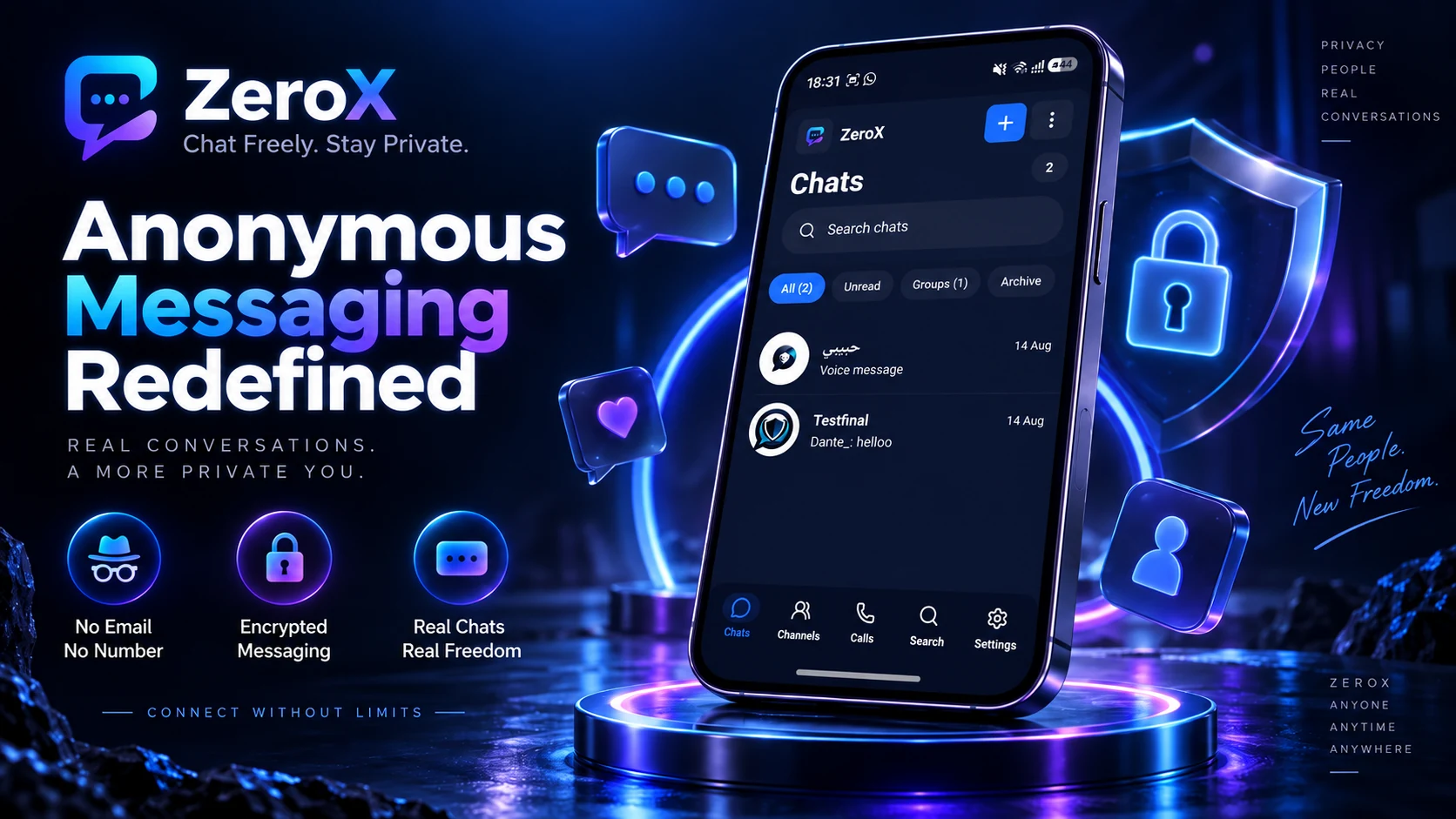
INSIDE ZeroX
From your first hello to your everyday conversations. Take a look around.
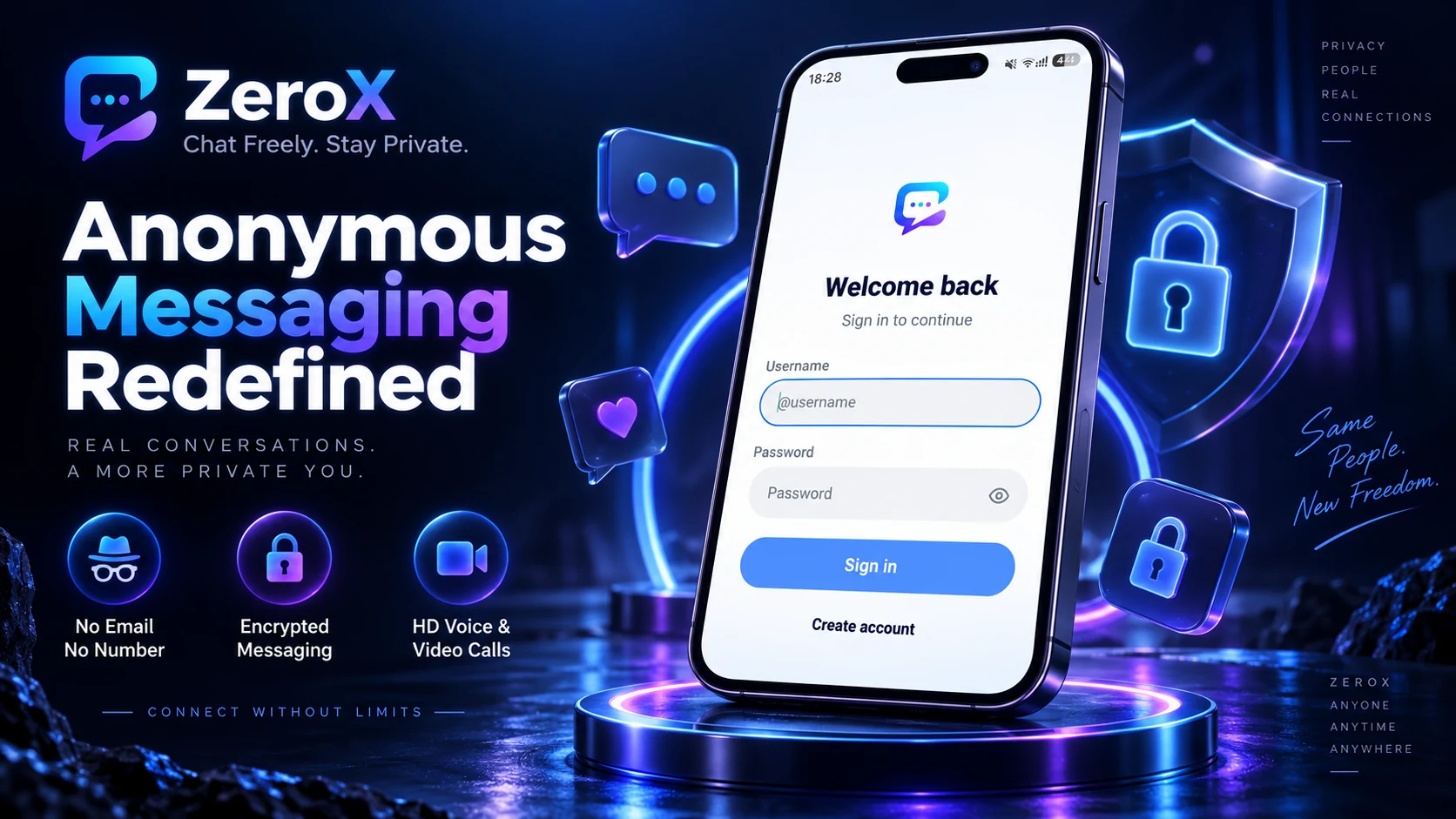
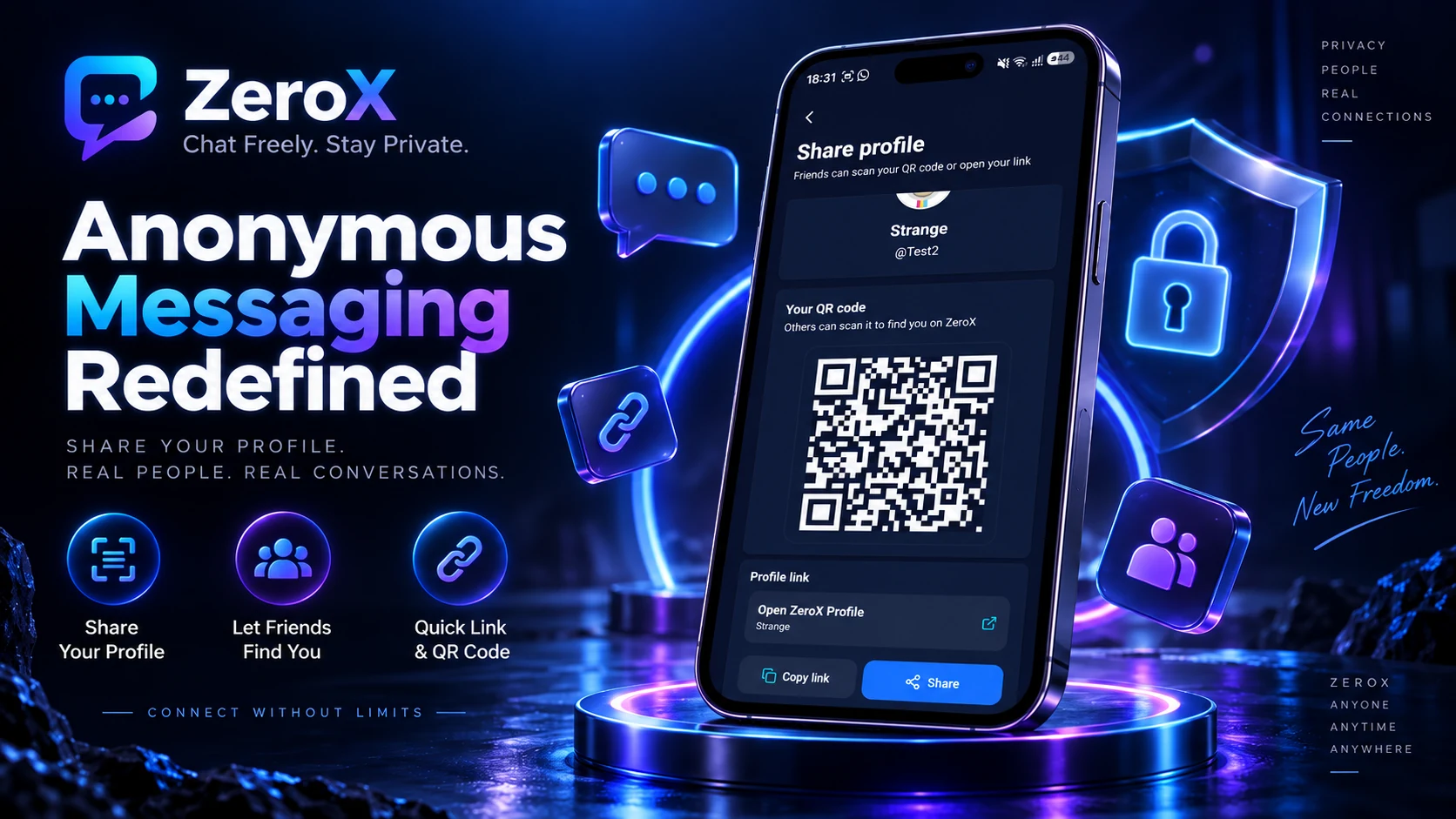
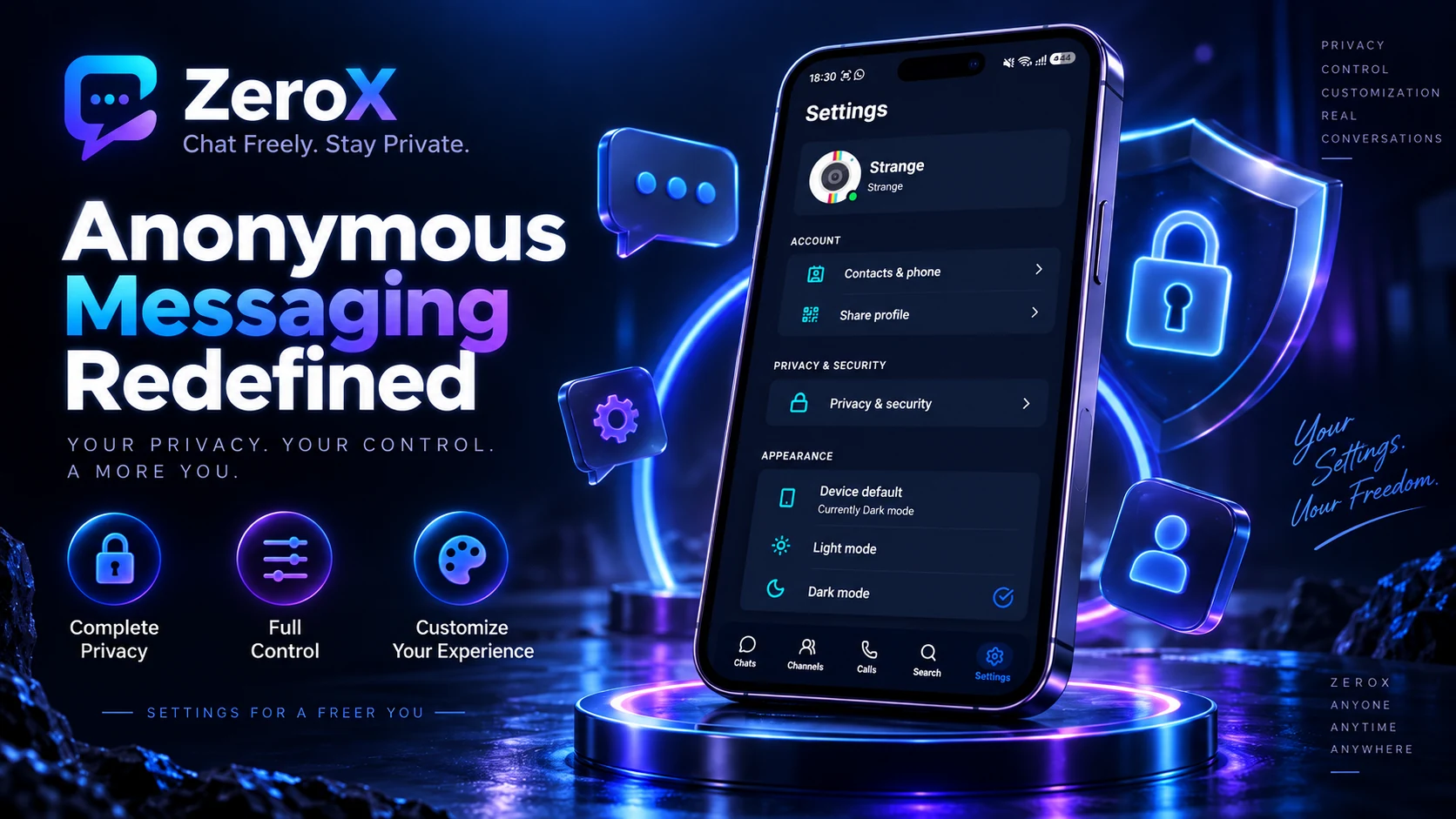
LESS FRICTION. MORE CONNECTION.
Personal chats, shared interests, and face-to-face moments. All in one place.
Start a conversation without exchanging your personal phone number or email.
Find people by their username. Share your profile when you want to connect.
Send messages, voice notes, photos, and files in your everyday chats.
Switch from typing to talking with voice and video calls.
Bring friends together in groups and discover shared interests in Channels.
Make yourself at home with 13 app languages and light or dark appearance.
PRIVATE STARTS WITH YOU
Connection shouldn’t start with your contact details. Create a ZeroX account with a name, username, and password. Your phone number and email aren’t required.
Let people find you by your username.
Send a profile link or let friends scan your QR code.
Manage your last-seen and profile-photo visibility in Privacy & security.
FIND YOUR PEOPLE
A quick catch-up, your closest group, or a Channel that shares your interests. There’s a place for every conversation.
Find your next conversationMake space for the people you want to talk to.
Keep your circle in the same conversation.
Discover Channels, join in, and follow the topics you care about.
SAY IT YOUR WAY
Choose from 13 app languages. A familiar experience, wherever the conversation takes you.
13 languages. One place to connect.
About ZeroX
ZeroX is a messaging app built around usernames. Connect through private chats, voice and video calls, groups, and public Channels.
Get ZeroXGeneral enquiries
info@zerox.chat
Contact support
support@zerox.chat
A FEW THINGS TO KNOW
Get to know ZeroX before your first hello.
ZeroX is a messaging app built around usernames. Connect through private chats, voice and video calls, groups, and public Channels.
No. Registration asks for a name, username, and password. You don’t need to provide a phone number or email address to create your account.
Search for their username in the app, open their shared profile link, or scan their profile QR code.
Public Channels are spaces to discover conversations and follow shared interests. Find and join Channels from the app’s Channels section.
Yes. ZeroX supports voice and video calls alongside messaging. Microphone and camera permissions are needed for the corresponding call features.
Open Settings, then Share profile. Copy or share your profile link, or show your QR code for a friend to scan.
Keep your password somewhere safe. Password recovery is not currently confirmed, so you should not rely on being able to restore access if you forget it.
In the app, open Settings → Privacy & security → Delete account to open the account-deletion request page. You can also use the Account Deletion link in this website’s footer.
ZeroX is available on Google Play for Android. App Store and Huawei AppGallery releases are coming soon. Store availability can vary by region.
English, Arabic, Urdu, Hindi, French, Italian, Turkish, Persian, Dari, Spanish, Russian, Afrikaans, and Pashto. Dari currently uses the Persian interface translations.
For help with ZeroX, contact our support team at support@zerox.chat.
YOUR NEXT CONVERSATION STARTS HERE
Download ZeroX for private messaging, voice and video calls, groups, and Channels.
Start with a username. Make it your own.
 Chat freely. Stay private.